Most Useful GNOME Extensions for Modern Linux Desktop 🚀

GNOME is famous for its clean and distraction-free design, but with the right extensions it becomes a full productivity powerhouse.
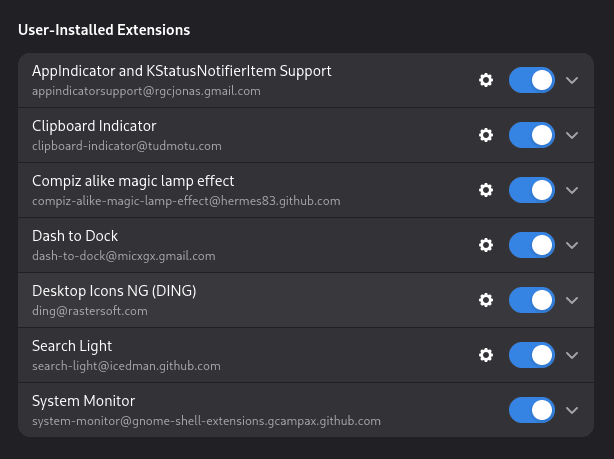
Here are the best GNOME extensions I personally use to turn GNOME into a fast, beautiful and practical desktop.
These extensions improve multitasking, workflow, visuals, and system control — without breaking GNOME’s simplicity.
🧭 1. Dash to Dock — Real Desktop Feel
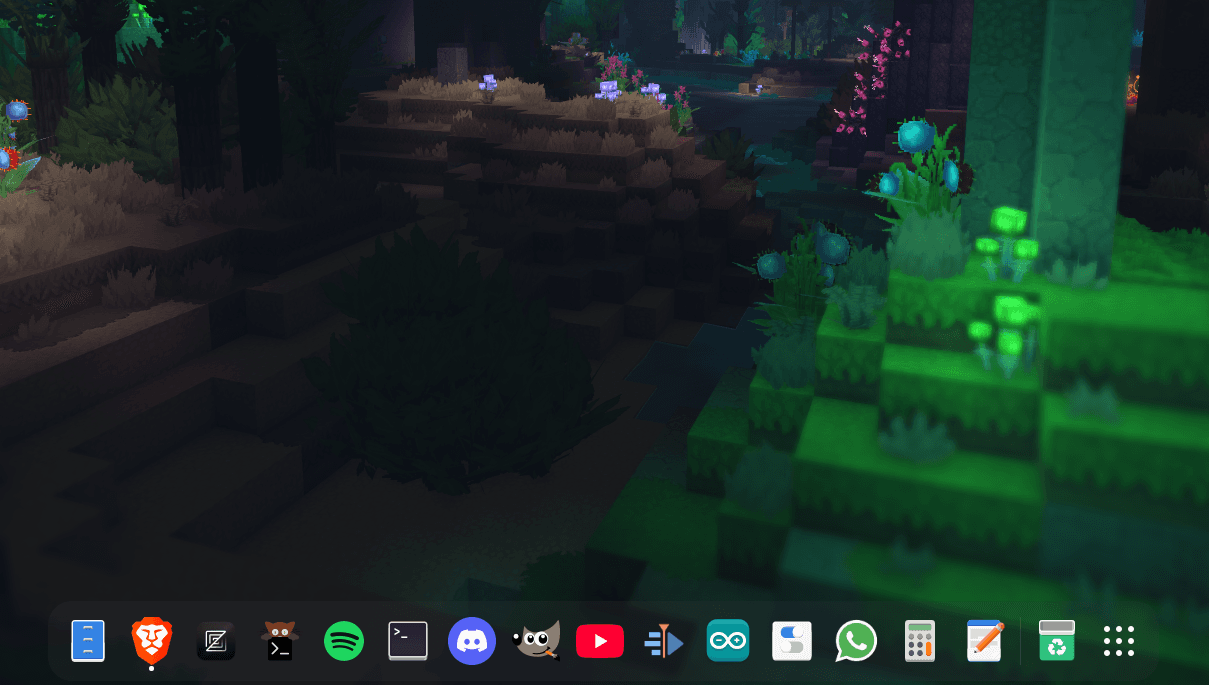
What it does:
Turns GNOME’s dash into a permanent dock, similar to macOS and Windows.
Why it’s essential:
- Faster app switching
- One-click app launch
- Visual running-app indicators
- Auto-hide or always visible
Why I use it:
GNOME without Dash to Dock feels incomplete. With it, GNOME becomes much faster and more desktop-like.
📁 2. Desktop Icons NG (DING)
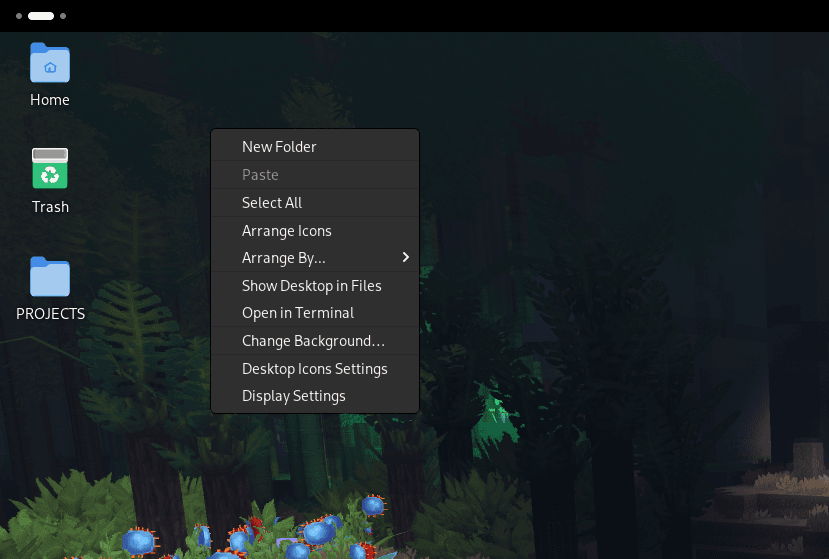
What it does:
Allows files, folders, and shortcuts on the desktop.
Why it’s useful:
- Drag & drop files
- Add AppImage or scripts to desktop
- Quick access to important files
Why I use it:
Perfect for developers and creators who need quick file access without opening the file manager.
📋 3. Clipboard Indicator
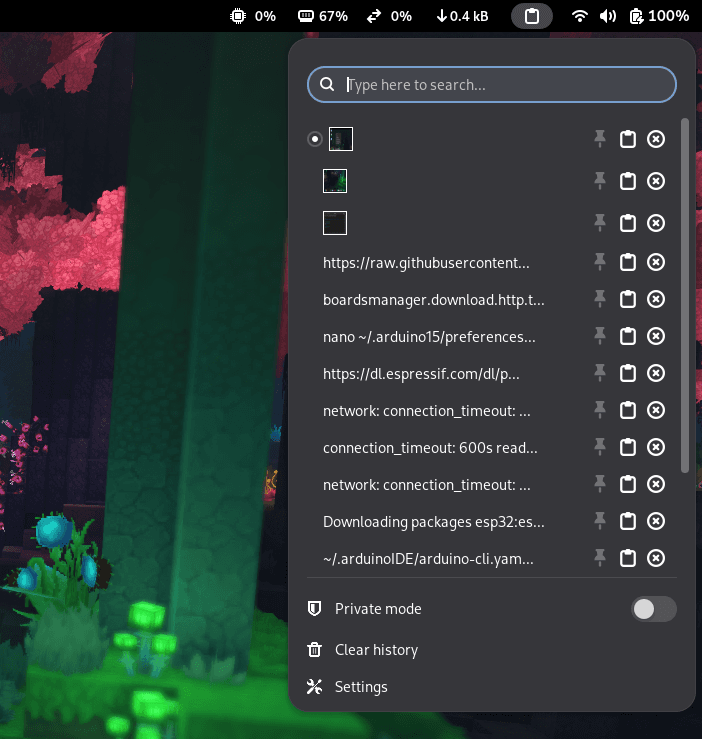
What it does:
Stores everything you copy and lets you access it from the top bar.
Why it’s powerful:
- Copy multiple things
- Paste previous items
- Works across apps
Why I use it:
If you copy code, links, commands, or text — this extension saves hours every week.
🔔 4. AppIndicator & KStatusNotifier Support
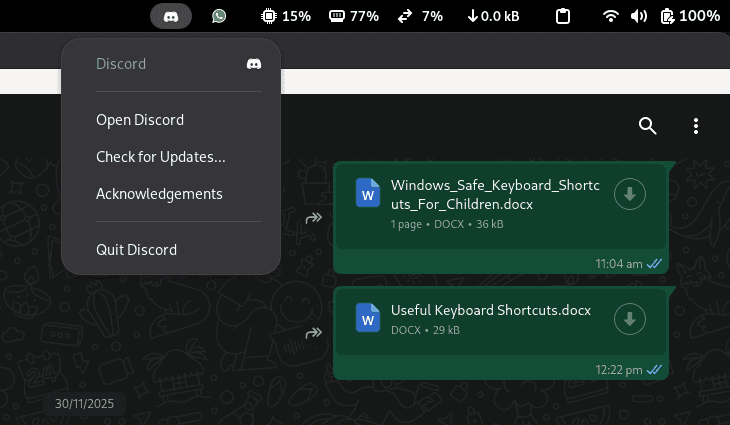
What it does:
Adds support for tray icons in GNOME.
Without this extension:
- Many apps run invisibly
- No system tray icons
With this:
- Telegram
- Discord
- VPN
- Cloud apps
- Media players
Why I use it:
Essential for modern Linux apps. GNOME feels broken without it.
🔍 5. Search Light
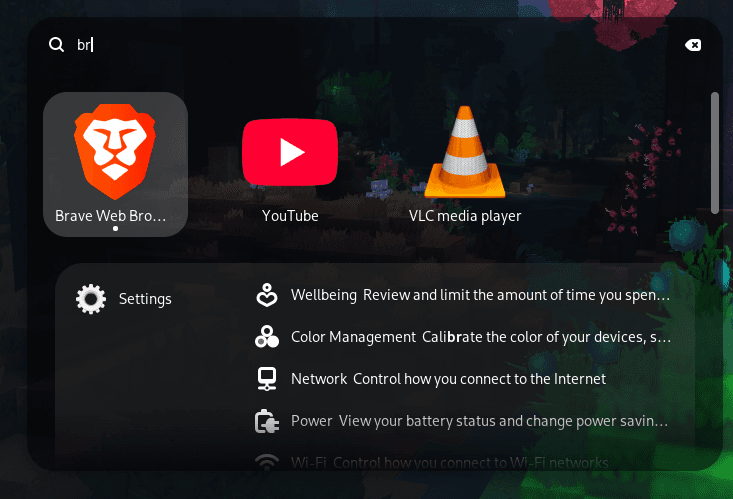
What it does:
Adds a beautiful spotlight-style search popup.
Why it’s amazing:
- Looks like macOS Spotlight
- Super fast
- Keyboard driven
- Elegant UI
Why I use it:
I launch apps, search files, and commands without touching the mouse.
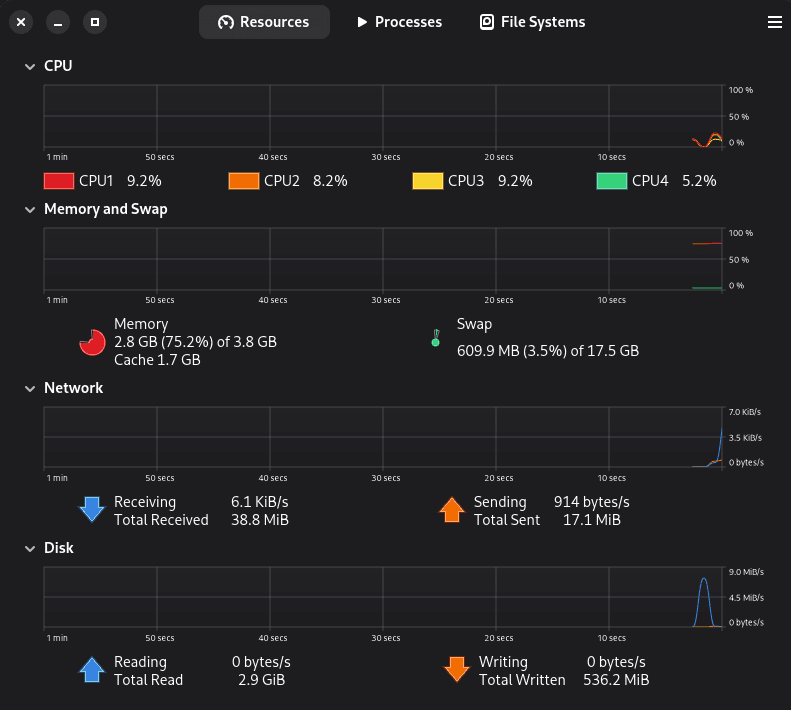
💻 6. System Monitor
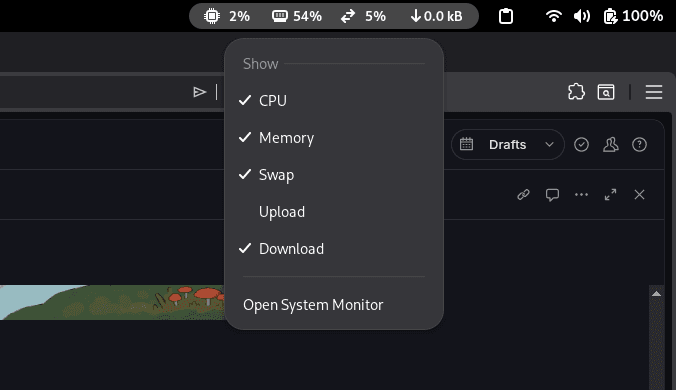
What it does:
Shows CPU, RAM, Network, and Disk usage in the top bar.
Why it matters:
- See system load instantly
- Detect heavy apps
- Monitor performance
Why I use it:
Perfect for developers, gamers, and power users.
✨ 7. Compiz-like Magic Lamp Effect
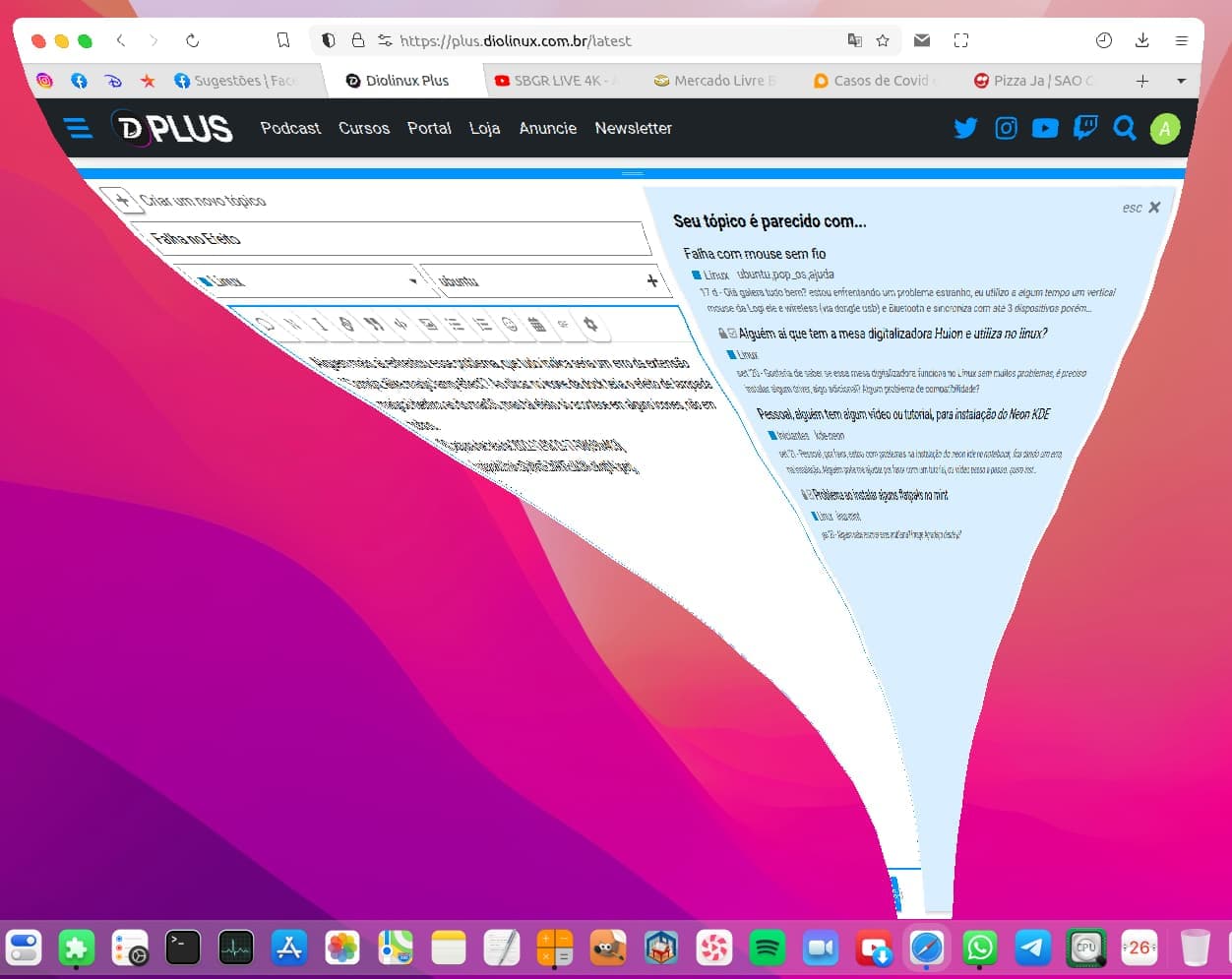
What it does:
Adds smooth window minimize animations like macOS.
Why it’s cool:
- Beautiful UI
- Makes GNOME feel premium
- Smooth transitions
Why I use it:
Because UX matters — and GNOME looks amazing with this.
Thankyou :)