Published on: 27 Jan 2026
Author: Himanshu Sharma
Increase Swap Memory in Linux (Simple Steps)
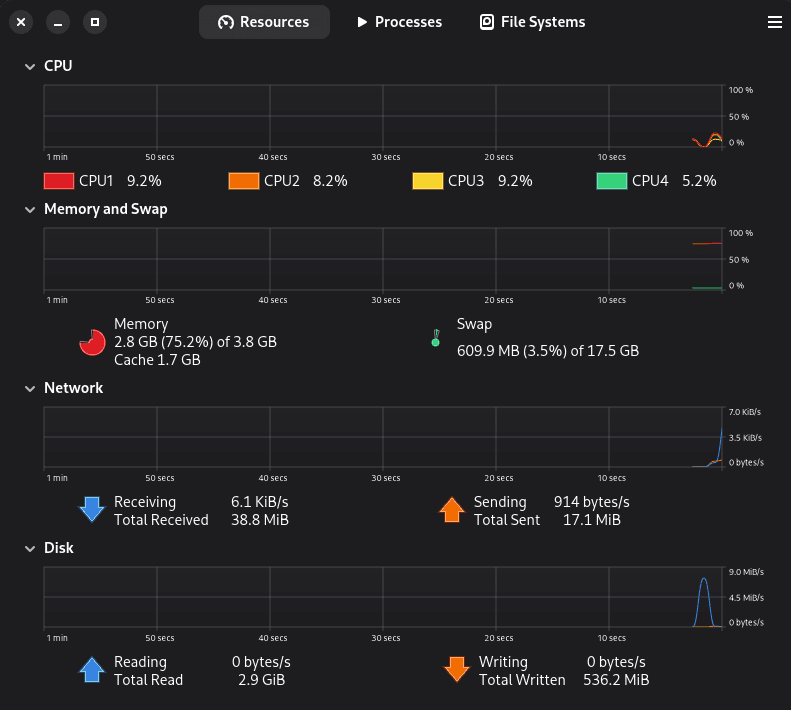
What is Swap Memory?
Swap memory is disk space that Linux uses when RAM becomes full.
When RAM is exhausted, Linux moves inactive data to swap, allowing active programs to continue running.
More swap = fewer crashes, fewer freezes, smoother multitasking.
Check Current Swap Size
Open a terminal and run:
free -hLook at the Swap line.
If it is less than 4GB and your RAM is 4–8GB, increasing it will improve performance.
Step 1 — Turn Off Current Swap
sudo swapoff -aThis disables all active swap.
Step 2 — Create a New 8GB Swap File
You can change 8G to 12G if you want more.
sudo fallocate -l 8G /swapfileSet correct permissions:
sudo chmod 600 /swapfileCreate the swap space:
sudo mkswap /swapfileEnable it:
sudo swapon /swapfileStep 3 — Make Swap Permanent
Open the file:
sudo nano /etc/fstabAdd this line at the end:
/swapfile none swap sw 0 0Save and exit.
Step 4 — Optimize Swap Usage
Linux sometimes uses swap too early. We fix that.
Open:
sudo nano /etc/sysctl.confAdd:
vm.swappiness=10
vm.vfs_cache_pressure=50
Apply changes:
sudo sysctl -pStep 5 — Verify
Check swap:
free -hYou should now see your new swap size.
Why This Improves Performance
With more swap:
- Browsers can keep more tabs open
- Heavy apps won’t crash
- System won’t freeze when RAM is full
- Linux becomes more stable
This is especially helpful for laptops with 4GB or 8GB RAM.